
This manual provides a basic introduction to Robotino® and includes instructions on how to operate it, such as using Robotino® View for remote control, changing batteries, resetting network settings, and connecting sensors.
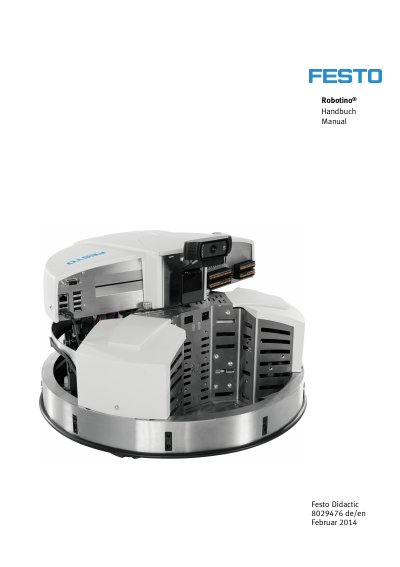
This manual provides instructions for safely operating and setting up the Festo Robotino® mobile robot system. It includes safety guidelines, initial setup procedures, and instructions for installing optical and inductive sensors. The document is intended for educational and training use in automation and technical fields.
The manual emphasizes safety precautions, such as using only authorized personnel, avoiding electrical hazards, and ensuring proper handling of components to prevent damage or injury. This manual is written in German.
The product is the mobile robotsystem Robotino®.
Only low-voltage DC power, up to 24 V, is permitted.
The Robotino® housing must be earthed before opening it.