
This document describes how to access the live view of all brands of IP cameras through EverFocus IP Sidekick (ESK1000)
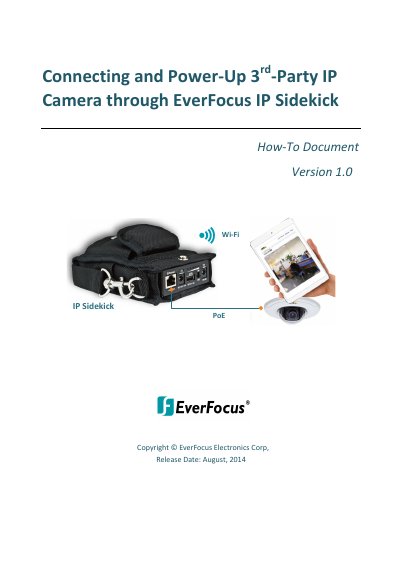
This guide explains how to connect and power up IP cameras using the EverFocus IP Sidekick. It covers both DHCP and static IP configurations for cameras, including steps to connect via Wi-Fi and access live views through apps or web browsers. The device supports any IP camera with an app or web interface, and includes instructions for Android and iOS devices.
It is a battery powered Wi-Fi access point with a 30 watt PoE port to power and test IP cameras.
Connect the camera’s PoE cable to the IP Sidekick’s PoE/Ethernet port after turning on the power switch.
You should connect to the network named 'EverFocus_Sidekick'.
Set up a static IP on your smartphone to match the first three numbers of the camera’s IP address.