
This manual provides detailed instructions for the use of the EZN Series Outdoor IR Bullet IP Camera 10x Optical Zoom, Auto Focus, True Day/Night, WDR, IP66.
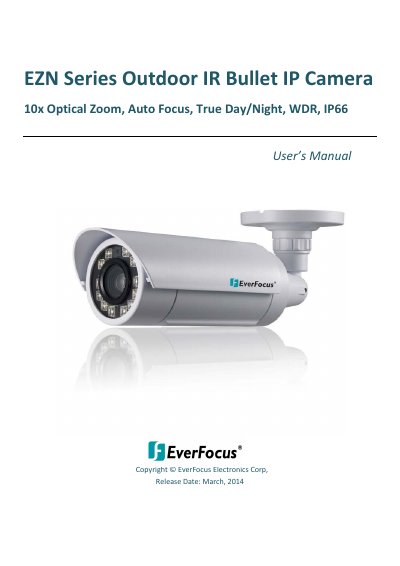
The EZN series bullet IP camera is designed for outdoor surveillance, featuring a weather-resistant IP66 housing, 10x optical zoom with auto focus, and True Day/Night functionality. It supports quad streams from H.264, MPEG4, or MJPEG and includes a built-in micro SDHC card slot and Power over Ethernet (PoE) capabilities.
| Resolution | 2048 x 1536 (EZN3361) / 1920 x 1080 (EZN3261) |
|---|---|
| Frame Rate | Up to 30 fps |
| Optical Zoom | 10x |
| IR Range | 40 meters |
| Power Supply | 12 VDC / PoE |
| Operating Temperature | -40°C ~ 55°C |
| Image Sensor | 1/3 Progressive scan CMOS |
The computer must run Microsoft Windows XP / Vista (32-bit) / 7 (32-bit) with Microsoft Internet Explorer 7 or above.
Press and hold the 5-Axis Button for 5 seconds.
Yes, the camera supports Power over Ethernet (IEEE802.3at Class 4).