
This document is the EPHD08 DVR user manual
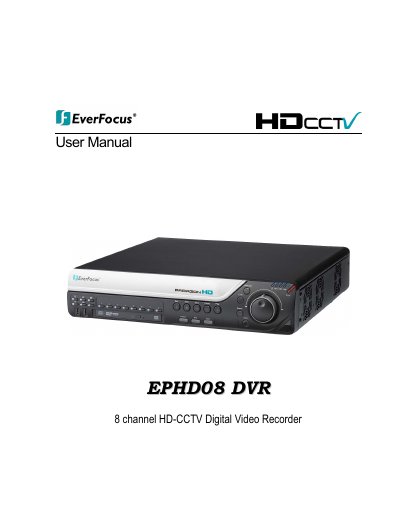
This is the user manual for the EverFocus EPHD08, an 8-channel HD-CCTV Digital Video Recorder. It supports HD-SDI cameras for 1080i or 720p resolution and uses H.264 compression for efficient recording. The unit includes HDMI and VGA outputs, remote access via browser, and multiple control methods including mouse, front panel, and IR remote. It also supports up to 4 internal HDDs and an eSATA external drive. The manual covers installation, operation, configuration, and troubleshooting.
The EPHD08 is designed for plug-and-play installation with existing coaxial cabling, allowing users to upgrade from SD to HD without changing infrastructure. Features include Express Setup for quick installation, Smart Search for motion detection, and mobile access via PDA or smartphone. It also includes remote configuration via web interface and supports DDNS for easy remote access without a static IP.
| Video Resolution | 1080i or 720p |
|---|---|
| Compression Format | H.264 |
| Outputs | HDMI 1080p and VGA |
| Storage | 4 internal HDD + eSATA external HDD |
| Network Interface | Gigabit Ethernet |
It supports 1080i and 720p HD resolutions.
It uses traditional coaxial cable with HD-SDI format for HD video transmission.
Yes, via browser, mobile devices, or remote control with DDNS support.
Mouse, front panel, IR remote, and EKB500 keyboard.