
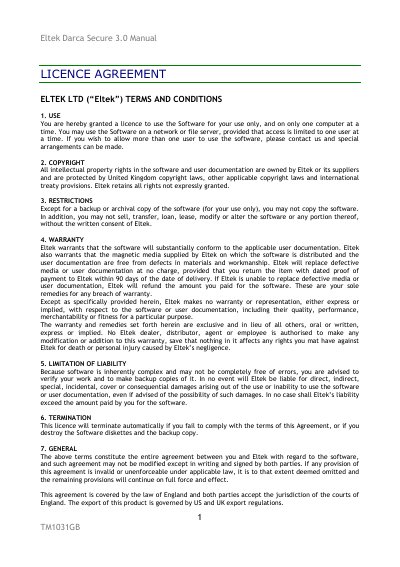
This document is the license agreement for the Eltek Darca Secure 3.0 software
Eltek Darca Secure 3.0 is a 32-bit Windows program designed to communicate with Eltek SC250 Squirrel data loggers. It enables users to download Squirrel data, export it to spreadsheets, and perform remote configuration of Squirrel settings and channel setup via direct RS232 cable or modem. The software stores data in an encrypted, tamperproof DAT file format unique to Darca Secure v3.0.
| Operating System | Windows 2000, XP and Vista |
|---|---|
| Architecture | 32-bit |
| Compatible Device | SC250 Squirrel Data logger |
The default username is Installer and the password is inst-0300-1500.
Yes, provided that access is limited to one user at a time.
You must contact Eltek if you wish to allow more than one user to use the software.