
Eltek Darca Heritage TM1030 User Manual

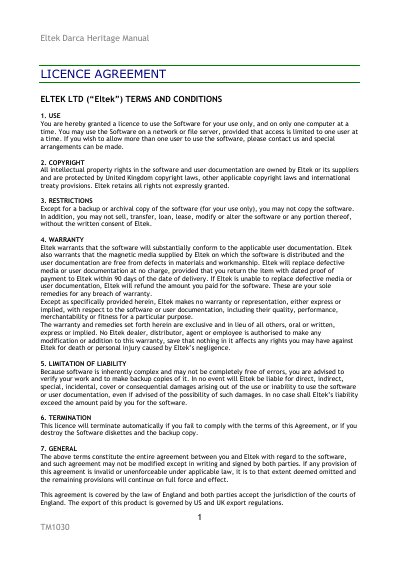
This document is the license agreement for Eltek Darca Heritage Manual 1

Eltek Darca Heritage TM1030 User Manual - cover page
Brand
Eltek
Category
Other Electronics
Document type
User Manual
Language
English
Pages
27
File format
PDF
File size
197 KB
Published
18 October, 2023
Updated
18 October, 2023
MD5 checksum
3034110CC7EDAAD6A8F6FEAAC50443A2

About this manual

This manual provides instructions for using the Eltek Gen II Telemetry System and Darca Heritage software. It guides users through setting up a site, configuring communications with data loggers and transmitters, and managing data collection.

What's inside

  • Licence Agreement
  • System Layout
  • Network Access
  • Setting Up A Site
  • Configure Communications
  • Setting up transmitters
  • Configuring the squirrel
  • Specifying Parameters To Measure
  • Working with your data
  • Creating statistics reports

Frequently asked questions

What is the Eltek TM1030 used for?

It is used for the Eltek Gen II Telemetry System and Darca Heritage.

How many users can use the software at one time?

One user at a time, unless special arrangements are made.

What is required to switch between Administrator and Secondary User modes?

Navigate to the Advanced tab in the Site Options window and use the Set User Mode controls.

What baud rate should be set for a direct connection via an LC68 serial cable?

The Baud Rate should be 38400.

Download PDF (197 KB)

More Eltek Manuals


View all Eltek manuals →