
Eltek Darca Heritage V2 Software User Manual

This document is the user manual of Darca Heritage V2 Software
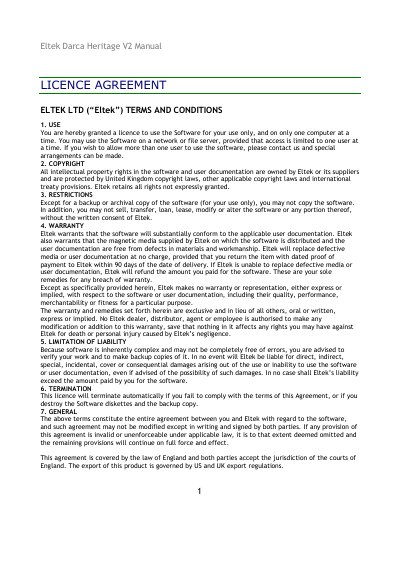

Eltek Darca Heritage V2 Software User Manual - cover page
Brand
Eltek
Document type
User Manual
Language
English
Pages
36
File format
PDF
File size
408 KB
Published
18 October, 2023
Updated
18 October, 2023
MD5 checksum
64EAEC406AC5327F9E5693DFE8A87489

About this manual

This manual guides users through setting up and managing the Eltek Darca Heritage V2 telemetry system. Site Administrators configure sites, manage users, and set up transmitters and parameters. Department Administrators and Secondary Users access data and charts. The system uses a Firebird database for data storage and supports network access for multi-user environments. Advanced features include exporting data, email alerts, and importing data from other systems.

What's inside

  • System Layout
  • Network Access
  • Firebird Database Notes
  • Creating a New Site
  • Setting Up Transmitters
  • Configuring the Logger
  • Specifying Parameters to Measure
  • Assigning Chart Numbers
  • Entering Formulae for Calculated Parameters
  • Entering Site Layout Information

Frequently asked questions

What is the primary use of the Eltek Darca Heritage V2 software?

The software is designed to enable users to get the most out of the Eltek Gen II Telemetry System and the Darca Heritage V2.

What is the default port number used by the Firebird database?

The Firebird database connects through port 3050 by default.

What are the default username and password for a new Firebird installation?

The default username is 'SYSDBA' and the default password is 'masterkey'.

Download PDF (408 KB)

More Eltek Manuals


View all Eltek manuals →