
Eltek Darca Heritage V2 manual. This manual describes the use of the software.
The Eltek Darca Heritage V2 Manual serves as a comprehensive guide for setting up and using the Eltek Gen II Telemetry System. It details the system layout involving Buildings, Zones, and Groups, and explains the distinct roles of Site Administrators, Department Administrators, and Secondary Users within a network environment. The guide covers essential setup tasks such as configuring the Firebird database, setting up transmitters, and defining parameters to measure.
| Database Type | Firebird Database |
|---|---|
| Default Port | 3050 |
| Warranty Period | 90 days |
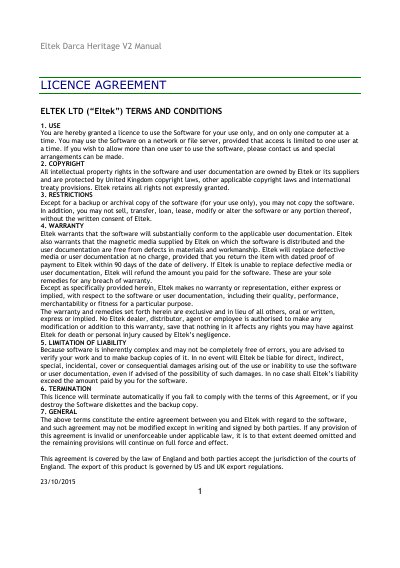
Yes, but access must be limited to one user at a time unless special arrangements are made.
Only Site Administrators have full access to site editing features; Secondary Users cannot edit the layout.
Open the DAT File Utilities Window, navigate to the folder, select the .dat files, and click Insert Ticked Files.