
This user manual provides details on the features and uses of the EIZO DuraVision FDX1001/FDV1001/FDX1201 product.
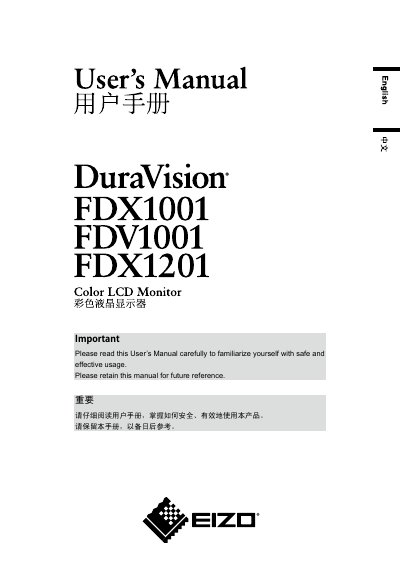
The document is the User’s Manual for the EIZO DuraVision FDX1001, FDV1001, and FDX1201 color LCD monitors. It opens with FCC and Canadian compliance notices and then explains the safety symbols used in the manual.
The manual provides warnings and cautions for using the monitor, including handling the power cord and enclosed AC adapter, choosing an appropriate location, avoiding electric shock and fire hazards, carrying the unit, and cleaning around the plug.
| Model | DuraVision FDX1001/FDV1001/FDX1201 |
|---|---|
| Product type | Color LCD Monitor |
| Power supply | 100-240 Vac 50/60Hz |
The manual covers the DuraVision FDX1001, FDV1001, and FDX1201 color LCD monitors.
The monitor uses a power supply of 100-240 Vac 50/60Hz.
Disconnect all power connections immediately and contact your dealer for advice.
No. The enclosed AC adapter is for use with this product only.