
This manual introduces the features and characteristics of the EIZO FlexScan EV2785W monitor, including buttons and indicators, functions and basic operations, settings and adjustments, connecting cables, troubleshooting and reference.
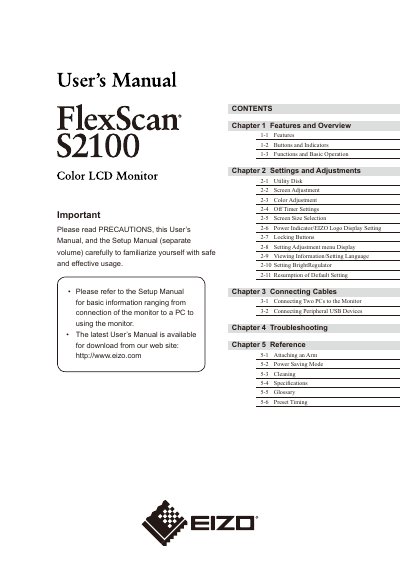
This User's Manual is for the EIZO FlexScan S2100 Color LCD Monitor. It explains the monitor's features, buttons and indicators, and basic operation.
The manual also covers settings and adjustments, connecting cables, troubleshooting, attaching an arm, power saving mode, cleaning, specifications, and preset timing. A separate Setup Manual provides basic information for connecting the monitor to a PC.
| Horizontal scan frequency | Analog: 24 - 80 kHz, Digital: 31 - 76 kHz |
|---|---|
| Vertical scan frequency | Analog: 49 - 76 Hz, Digital: 59 - 61 Hz |
| Resolution | 1600 dots < 1200 lines |
| Effective dots | 99.9994% or higher |
1600 dots < 1200 lines.
The screen is displayed.
Adjust the monitor 30 minutes or more after the monitor power has been turned on.
Portrait/Landscape display available.