
This product is suited to general purposes like creating documents, viewing multimedia content.
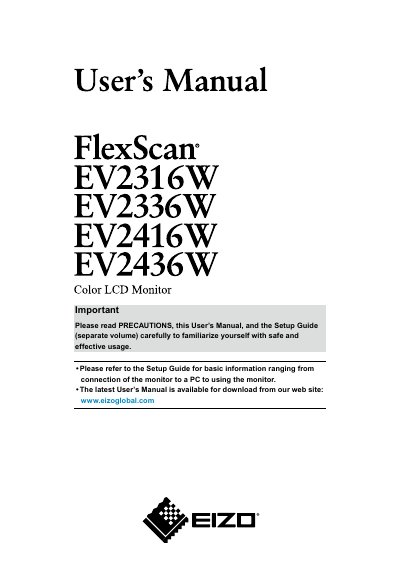
The EIZO FlexScan EV2316W, EV2336W, EV2416W, and EV2436W Color LCD Monitor User’s Manual explains safe use, cleaning, and the controls and functions of the monitor. It also covers compatible resolutions, screen and color adjustment, monitor settings, power saving functions, and troubleshooting.
Reference sections describe attaching an optional arm, connecting multiple PCs, using USB 3, displaying monitor information, specifications, preset timing, and a glossary. The manual also includes notices for this monitor, certification information, and warranty information.
| Effective dots | 99.9994% or higher |
|---|
Read PRECAUTIONS, this User’s Manual, and the Setup Guide carefully.
The latest User’s Manual is available for download from the EIZO web site at www.eizoglobal.com.
Wait 30 minutes or more after the monitor power has been turned on, and then adjust the monitor.
Contact your local EIZO representative.