
EIZO FlexScan S2231W Color LCD Monitor User's Manual

This manual introduces the features of the EIZO NANAO CORPORATION Monitor. It can adjust the screen brightness, color, and set sleep mode.
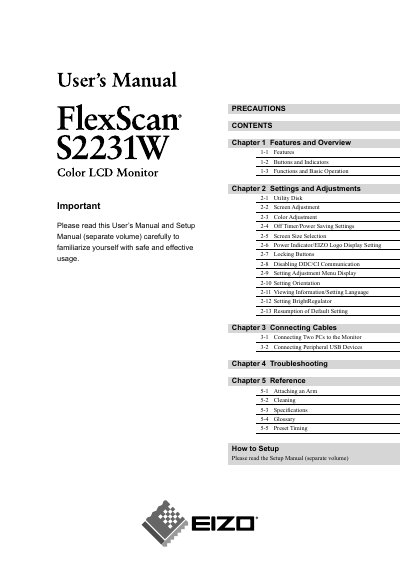

EIZO FlexScan S2231W Color LCD Monitor User's Manual - cover page
Brand
EIZO
Category
Monitor
Document type
User Manual
Language
English
Pages
44
File format
PDF
File size
2.6 MB
Published
18 October, 2023
Updated
18 October, 2023
MD5 checksum
BD5966BE6F94DC1DD1BDF382CB483425

About this manual

The EIZO FlexScan S2231W is a color LCD monitor. This User's Manual explains its features, buttons and indicators, basic operation, settings and adjustments, and safety precautions.

It also covers connecting two PCs and USB peripheral devices, troubleshooting, and reference topics such as attaching an arm, cleaning, specifications, glossary, and preset timing.

What's inside

  • Features and Overview
  • Buttons and Indicators
  • Screen Adjustment
  • Color Adjustment
  • Off Timer/Power Saving Settings
  • Connecting Two PCs to the Monitor
  • Connecting Peripheral USB Devices
  • Troubleshooting
  • Attaching an Arm
  • Specifications

Specifications

Effective pixels99.9994% or higher

Frequently asked questions

Where should the monitor be connected?

The monitor must be connected to a grounded main outlet.

What should I do if the monitor emits smoke or smells like something is burning?

Disconnect all power connections immediately and contact your dealer for advice.

How should I clean the monitor?

Unplug the unit before cleaning it.

How often should I rest my eyes when using the monitor?

Take a 10-minute rest every hour.

Download PDF (2.6 MB)

More EIZO Manuals


View all EIZO manuals →