
This is a user manual for an eizo monitor, which introduces the usage methods and precautions.
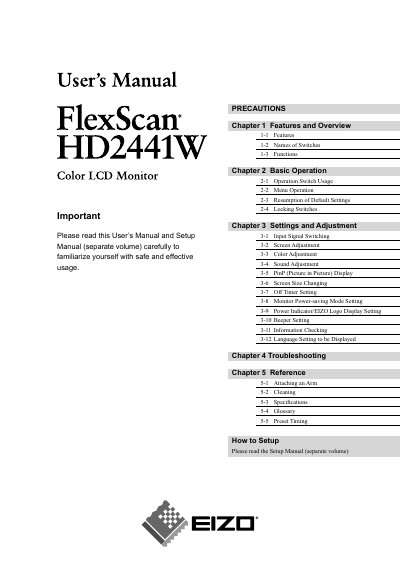
This is the User’s Manual for the EIZO FlexScan HD2441W Color LCD Monitor. It covers features and overview, names of switches, basic operation, menu operation, input signal switching, screen adjustment, color adjustment, sound adjustment, PinP display, screen size changing, off timer setting, power-saving mode, and other settings.
The manual also includes troubleshooting, reference information, attaching an arm, cleaning, specifications, a glossary, and preset timing. It contains safety precautions and instructions for setup; a separate Setup Manual is referenced for how to set up the monitor.
| Effective pixels | 99.9994% or higher |
|---|
Disconnect all power connections immediately and contact your dealer for advice.
Take a 10-minute rest every hour.
Do not open the cabinet or modify the unit; refer all servicing to qualified service personnel.
Unplug the unit immediately and have it checked by a qualified service engineer before using it again.