
This is a user manual of DYNEX DYNABLOT Automatic
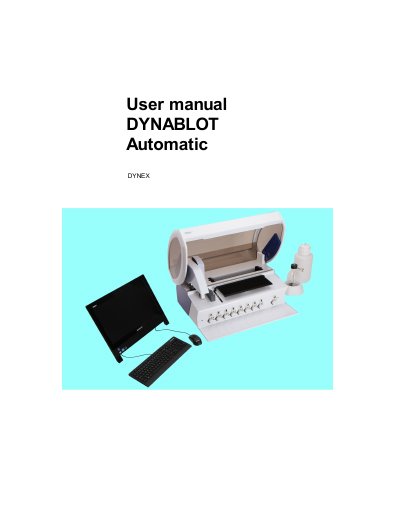
This manual provides step-by-step instructions for operating the DYNEX DYNABLOT Automatic instrument, including system setup, assay creation, protocol management, and maintenance procedures. It covers both application-based navigation and standard instrument workflows.
The document also includes error codes and troubleshooting guidance for common operational issues, such as motor position errors and communication failures, to help users resolve problems during instrument use.
A PC with a minimum 600 MHz CPU, 128 MB RAM, and 500 MB free disc space, running Windows 7 or higher, optimized for SVGA 1600 x 900 monitor.
An assay is a procedure for strip preparation, describing reagent types, filling order, incubation duration, and steps for strip processing.
Protocol assigns individual wells (1–44) on the strip plate an identification number for patient samples and executes one instrument run according to it.