
Motorola DCX3400 High-Definition DVR User Guide

This manual describes the safety instructions for using DCX3400 High-Definition DVR, including the use environment, installation precautions, power connection, connection of other devices, and usage instructions.
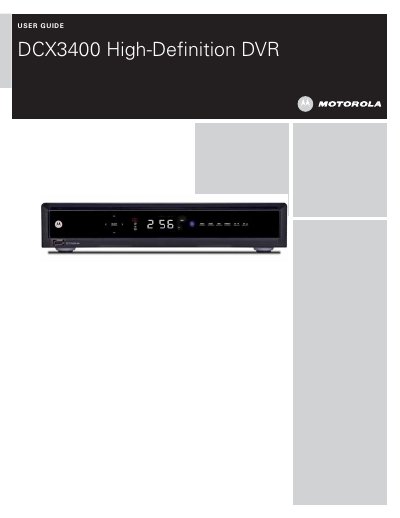

Motorola DCX3400 High-Definition DVR User Guide - cover page
Brand
Motorola
Category
Set Top Box(STB)
Document type
User Manual
Language
English
Pages
55
File format
PDF
File size
1.9 MB
Published
18 October, 2023
Updated
18 October, 2023
MD5 checksum
D1826C4704836A07BE5BAF3B2AED456A

About this manual

This document is the official user guide for the Motorola DCX3400 High-Definition DVR. It covers essential safety instructions, including proper ventilation and placement requirements to prevent damage to the internal hard drive. The guide also details FCC compliance and software license terms.

What's inside

  • IMPORTANT SAFETY INSTRUCTIONS
  • FCC COMPLIANCE
  • FCC DECLARATION OF CONFORMITY
  • CARING FOR THE ENVIRONMENT BY RECYCLING
  • SOFTWARE LICENSE

Frequently asked questions

What is the DCX3400 used for?

It is a high-definition DVR for digital cable receivers.

What is the maximum air temperature allowed around the DCX3400 during installation?

The air surrounding the terminal must not exceed 40° C (104° F).

How long must you wait after unplugging before moving the DCX3400?

Wait at least 10 seconds after disconnecting power before moving the terminal.

What is the FCC compliance class for the DCX3400?

It is a Class B digital device compliant with part 15 of the FCC Rules.

Download PDF (1.9 MB)

More Motorola Manuals


View all Motorola manuals →