
This document is a user guide of Variable Dimming Module (VDM).
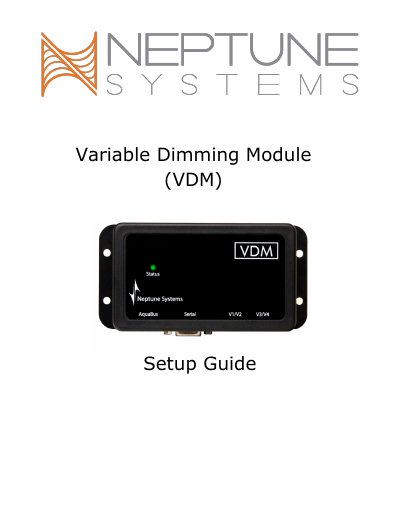
The Neptune Systems Variable Dimming Module (VDM) is an expansion module that allows for the independent control of Aqua Illumination LED lighting systems and adds four additional variable speed ports. It supports features such as sunrise/sunset simulation, cloud simulation, and lightning effects, as well as precise 0-100% control of compatible pumps and ballasts via 0-10V interfaces. The module attaches to and is powered by the Apex system via AquaBus.
| Variable speed ports | 4 independently variable speed ports (0 -10V) |
|---|---|
| Lighting control | Aqua Illumination LED lighting systems |
| Firmware requirement | Apex Base Module firmware version 4.04 or higher |
| Included cable | 3' AquaBus cable |
| AquaBus ports | 2 AquaBus ports |
The Apex Base Module must be running firmware version 4.04 or higher to support the VDM.
Yes, the 4 variable speed ports allow precise 0 to 100% control of Tunze stream pumps.
The VDM supports three types of profiles: Pump Profile, Ramp Profile, and Weather Profile.