
This document is the user manual of AquaController Apex EnergyBar 8, which introduces the features and characteristics of EnergyBar 8, installation methods, etc.
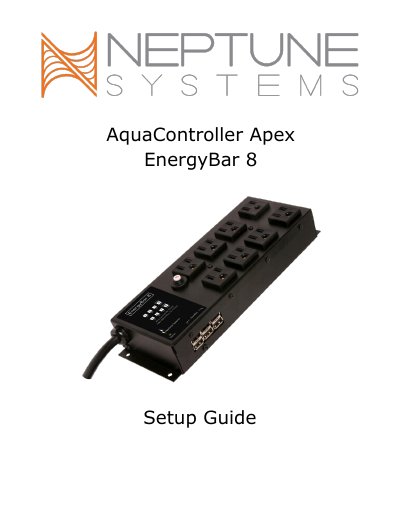
The Neptune Systems EnergyBar 8 is a setup guide for an aquarium control device that allows the AquaController Apex system to manage up to eight 120-volt items such as lights, pumps, fans, and heaters. The unit features six AquaBus connectors for accessories and provides independent switching for various electrical loads.
| Number of Solid State Switched Outlets | 6 |
|---|---|
| Number of Relay Switched outlets | 2 |
| Maximum Current Draw per Solid State Outlet | 5 Amps |
| Maximum Current Draw per Relay Outlet | 10 Amps |
| Number of AquaBus Connectors | 6 |
The total current draw for all active outlets must be less than 15 amps.
The device has six connectors to connect AquaBus Accessories.