
Introduces AquaController Apex's features, functions and how to set up networks, clocks, modules, etc.
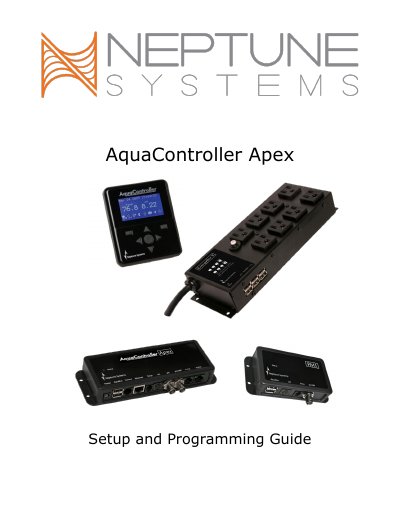
The AquaController Apex is an expandable, professional-quality aquarium controller designed for hobbyist prices. It features a simple menu-driven configuration to monitor and control parameters such as pH, ORP, and temperature, with support for expansion via add-on probe modules and Energy Bars. The system offers flexible control options, including wave maker simulation, seasonal adjustments, and moon cycle simulation, alongside email and audible alarming capabilities.
Installation and configuration can be performed using either the Apex Display Module or the Apex Web Interface. The manual provides detailed instructions for physical installation, network setup, clock configuration, and programming various outlets (lights, pumps, heaters) using wizards or advanced programming features. It also covers troubleshooting, firmware updates, and the use of legacy modules.
| Display Resolution | 128 x 64 Graphical backlight display |
|---|---|
| Probe Ports (Apex) | pH and Temperature |
| Probe Ports (Apex Lite) | ORP or pH |
| Variable Speed Ports (Apex) | 4 Integrated |
| Variable Speed Ports (Apex Lite) | None |
| EnergyBar 8 Outlets | 8 Independently controlled 120V outlets |
| Solid State Outlets Max Current | 5 amps max per outlet |
| Relay Outlets Max Current | 10 amps max |
| Circuit Breaker Rating | 15 amp |
| Max EnergyBar 8 Devices | Up to 240 |
| Max Switched Outlets (Single AquaBus) | 1920 |
| Display Dimensions | 3.40" x 4.05" x 0.65" |
Yes, setup can be performed using the Apex Web Interface on a computer, though some maintenance functions require the Display Module.
The solid state switched outlets on the EnergyBar 8 have a maximum of 5 amps per outlet.
Yes, the system supports all ACIII accessories and includes sections for addressing and connecting legacy modules.
Up to 240 EnergyBar 8 devices can be connected together for up to 1920 switched outlets on a single AquaBus.