
Key facts
- Manuals
- 4
- Languages
- EN
- Last added
- 2023-10-17
Featured Neptune Systems manuals
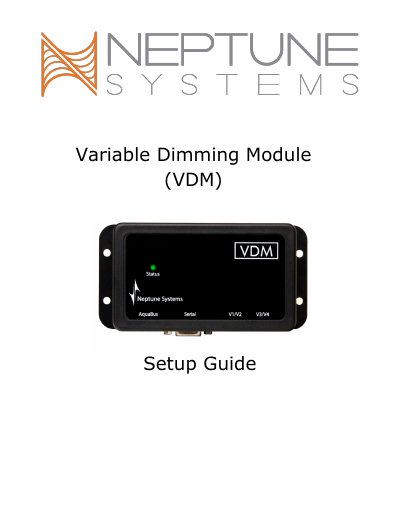
Neptune Systems VDM Variable Dimming Module Setup Guide
The Neptune Systems Variable Dimming Module (VDM) is an expansion module that allows for the independent control of Aqua Illumination LED lighting systems and adds four additional variable speed ports. It supports features such as sunrise/sunset simulation, cloud simulation, and lightning effects, as well as precise 0-100% control of compatible pumps and ballasts via 0-10V interfaces. The module attaches to and is powered by the Apex system via AquaBus.
Covers: Introduction · Features · Physical Installation · Initial Connections · Startup · Verify the Installation
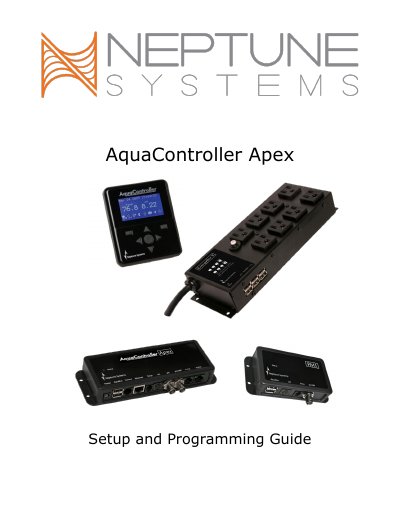
Neptune Systems AquaController Apex Setup and Programming Guide
The AquaController Apex is an expandable, professional-quality aquarium controller designed for hobbyist prices. It features a simple menu-driven configuration to monitor and control parameters such as pH, ORP, and temperature, with support for expansion via add-on probe modules and Energy Bars. The system offers flexible control options, including wave maker simulation, seasonal adjustments, and moon cycle simulation, alongside email and audible alarming capabilities.
Installation and configuration can be performed using either the Apex Display Module or the Apex Web Interface. The manual provides detailed instructions for physical installation, network setup, clock configuration, and programming various outlets (lights, pumps, heaters) using wizards or advanced programming features. It also covers troubleshooting, firmware updates, and the use of legacy modules.
Covers: Features · Physical Installation · Network Setup · Email Setup · Apex Module Setup · Probe Setup
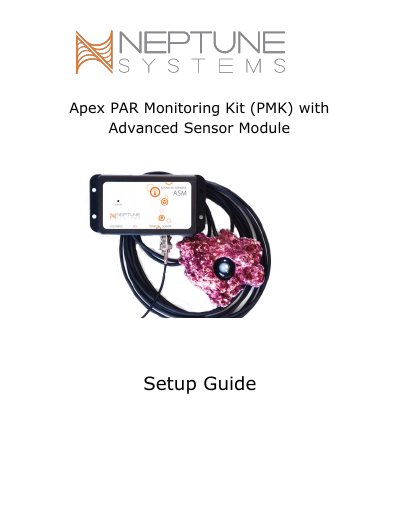
Neptune Systems Apex PAR Monitoring Kit (PMK) Setup Guide
The document provides instructions for physically installing the Apex PAR Monitoring Kit, which integrates with the Neptune Systems Apex Aquacontroller. It details placing the sensor in a location that receives full spectrum light and avoiding shadows from corals or rock.
The guide covers initial connections between the Advanced Sensor Module (ASM) and the controller via Aquabus ports, followed by configuration steps for both the display menu and the Apex dashboard to set the probe type to 'Par'. It also includes examples of programming alerts based on PAR levels.
Covers: Introduction · Physical Installation · Initial Connections · Configuring the PMK · Verify the Installation · Programming Examples
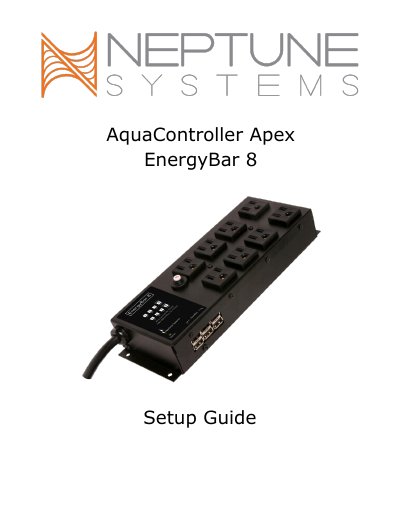
Neptune Systems EnergyBar 8 Setup Guide
The Neptune Systems EnergyBar 8 is a setup guide for an aquarium control device that allows the AquaController Apex system to manage up to eight 120-volt items such as lights, pumps, fans, and heaters. The unit features six AquaBus connectors for accessories and provides independent switching for various electrical loads.
Covers: Physical Installation · AquaBus Connectors · Outlets · EnergyBar 8 Features · Status Indicator · Technical Specifications
Latest Neptune Systems manuals
Neptune Systems VDM Variable Dimming Module Setup Guide
User Manual 13 pages · 314 KB · ENThis guide covers the installation, configuration, and programming of the Neptune Systems VDM Variable Dimming Module for controlling Aqua Illumination…
Neptune Systems AquaController Apex Setup and Programming Guide
User Manual 118 pages · 1.5 MB · ENThis guide covers the setup, programming, and maintenance of the Neptune Systems AquaController Apex aquarium controller system.
Neptune Systems Apex PAR Monitoring Kit (PMK) Setup Guide
User Manual 7 pages · 331 KB · ENThis guide explains how to install and configure the Neptune Systems Apex PAR Monitoring Kit (PMK) with the Advanced Sensor Module for aquarium lighting…
Neptune Systems EnergyBar 8 Setup Guide
User Manual 5 pages · 283 KB · ENThis guide covers the installation, features, and technical specifications for the Neptune Systems EnergyBar 8 aquarium controller.
Which document do I need?
User Manual
Day-to-day operation, settings and troubleshooting. Start here if the product is already set up.
Questions answered in Neptune Systems manuals
What firmware version is required on the Apex Base Module?
The Apex Base Module must be running firmware version 4.04 or higher to support the VDM.
From: Neptune Systems VDM Variable Dimming Module Setup Guide
Can the VDM control Tunze stream pumps?
Yes, the 4 variable speed ports allow precise 0 to 100% control of Tunze stream pumps.
From: Neptune Systems VDM Variable Dimming Module Setup Guide
Can I configure the AquaController Apex using a computer?
Yes, setup can be performed using the Apex Web Interface on a computer, though some maintenance functions require the Display Module.
From: Neptune Systems AquaController Apex Setup and Programming Guide
What is the maximum current for the solid state outlets on the EnergyBar 8?
The solid state switched outlets on the EnergyBar 8 have a maximum of 5 amps per outlet.
From: Neptune Systems AquaController Apex Setup and Programming Guide
What firmware version is required on the Apex Base Unit to use this kit?
The Apex Base Unit must be running firmware version 4.40 or higher.
From: Neptune Systems Apex PAR Monitoring Kit (PMK) Setup Guide
What is the warranty period for this product?
Neptune Systems warrants the product to be free from defects for a period of 1 year.
From: Neptune Systems Apex PAR Monitoring Kit (PMK) Setup Guide