
This document is a setup guide for Apex PAR Monitoring Kit (PMK). It provides detailed instructions on how to install the kit and what to keep in mind.
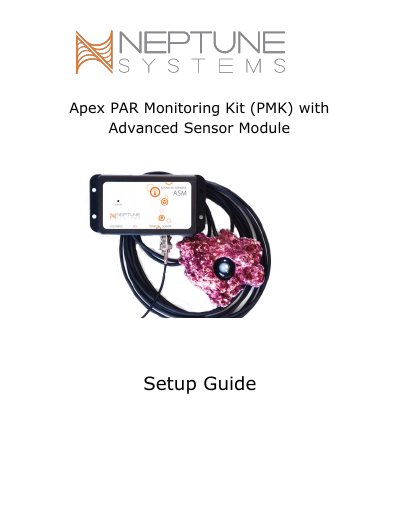
The document provides instructions for physically installing the Apex PAR Monitoring Kit, which integrates with the Neptune Systems Apex Aquacontroller. It details placing the sensor in a location that receives full spectrum light and avoiding shadows from corals or rock.
The guide covers initial connections between the Advanced Sensor Module (ASM) and the controller via Aquabus ports, followed by configuration steps for both the display menu and the Apex dashboard to set the probe type to 'Par'. It also includes examples of programming alerts based on PAR levels.
The Apex Base Unit must be running firmware version 4.40 or higher.
Neptune Systems warrants the product to be free from defects for a period of 1 year.