
This manual introduces the basic operations, usage precautions and common problems of the MP320 player.
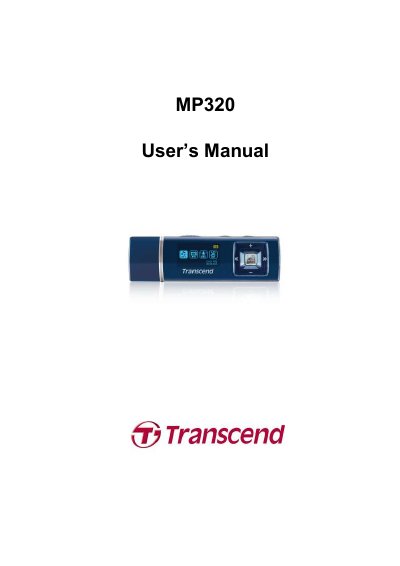
This is the user manual for the Transcend MP320, a portable MP3 player with FM radio, voice recording, and USB 2.0 connectivity. It covers basic operation, music playback, radio use, voice recording, settings, and troubleshooting. The device supports MP3, WMA, and WMA-DRM10 formats, has a 15-hour battery life, and includes a dual-color OLED screen and lyrics display. It also features a built-in rechargeable Li-ion battery and USB flash drive capabilities for data transfer and storage.
| Size | 85.5 mm × 25.5 mm × 13 mm |
|---|---|
| Weight | 29g (with Li-ion battery) |
| Music Formats | MP3, WMA and WMA-DRM10 (Subscription music) |
| Recording Format | IMA_ADPCM (WAV) |
| Estimated Battery Life | 15 hours (fully charged battery) |
| Compression Rates | 32Kbps to 320Kbps |
| Data Retention | Up to 10 years |
| Erase Cycles | ≥ 100,000 times |
| Signal-to-Noise Ratio | ≥ 90dB |
| Certifications | CE, FCC, BSMI |
| Warranty | 2-years |
Open your Windows Media Player program, click on the “Help” menu and select the “About Windows Media Player” option. The version will be displayed.
The MP320 only supports WMA-DRM10 protected music files. Ensure you are using the correct file type and transferring via MTP.
For detailed Lyrics Sync instructions, please see the FAQ section on our website at: http://www.transcendusa.com/Support/FAQ
Formatting the MP320 using the “Quick Format” or “Full Format” option in Windows® destroys the default format. Download a Firmware Update from http://www.transcendusa.com to retrieve the default format.