
This document introduces the operating instructions of testostor 175 data logger, including software installation, program configuration, data reading and other contents
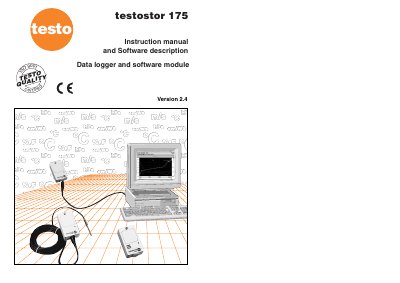
This manual guides users through connecting, programming, and reading data from the Testo testostor 175 data logger. It includes instructions for software installation, setting measurement intervals, configuring probes, and saving or printing data. Additional features like cross-hairs, magnification, and axis customization are also explained.
The logger measures temperature or humidity and saves data in memory. It can be programmed via PC using serial interface, and data can be read out and saved in various formats. The manual also covers battery replacement and error messages.
It measures a value (or value pair) within a fixed measurement interval and saves the measured data in the memory.
Windows software is needed to read and program.
The testostor 175 loggers are connected to the PC via the serial interface.
The memory is full (2000 measured values or 2000 measured pairs).