
This manual introduces the operation methods of testo Comfort Software Basic 5 software, including downloading, installing, starting, and introduces the software usage methods, including setting preferences, connecting instruments, configuring instruments, importing data, and analyzing data.
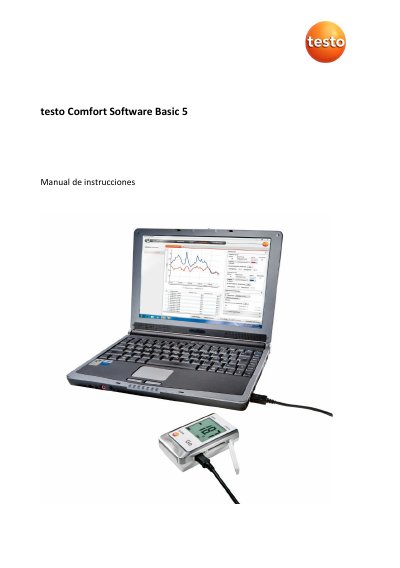
This manual provides step-by-step instructions for installing, configuring, and using Testo Comfort Software Basic 5 to read and analyze measurement data from Testo data loggers. It covers system requirements, connecting devices via USB, setting preferences, and exporting data. The software supports Windows 10 and 11 and requires USB 2.0 or higher.
The manual also includes troubleshooting tips for common errors, such as device connection issues or invalid file names, and explains how to manage instrument settings and view measurement data in graphical or tabular formats. This manual is written in Spanish.
| Operating Systems | Windows® 10, Windows® 11 |
|---|---|
| USB Interface | USB 2.0 or higher |
| Browser Requirement | Internet Explorer 9.0 or higher |
The main function is the graphical representation of measurement values.
It supports Windows® 10 and Windows® 11.
50000 values per file.
A USB 2.0 or higher interface and the device must be connected via USB cable.