
This manual describes the use of the EasyKool software.
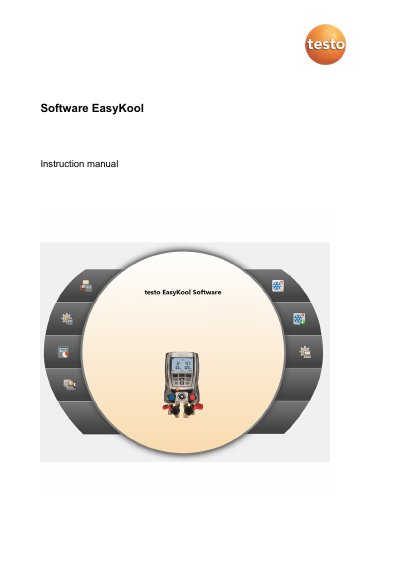
This manual provides step-by-step instructions for installing and using the testo EasyKool software. It covers system requirements, software installation via USB, starting the software, and navigating its menus. The software allows configuration of testo instruments, managing customer and measurement data, importing/exporting data, and generating reports.
The manual also explains how to configure settings such as language, units, and refrigerant management, as well as how to use the archive and refrigerant stock menus. It includes troubleshooting tips for connection issues and advises disabling energy-saving modes to prevent data loss. This manual is written in German.
The testo EasyKool configuration and analysis software enhances the functionality of the testo 556 and testo 570 instruments.
The software will run on Windows 7, Windows 8, and Windows ® 10.
Insert the program CD into the CD-ROM drive, start Setup.exe, and follow the installation wizard.
Switch off energy saving or standby mode on the PC.