
This file is the manual for testo EasyClimate software. It introduces the software's usage.
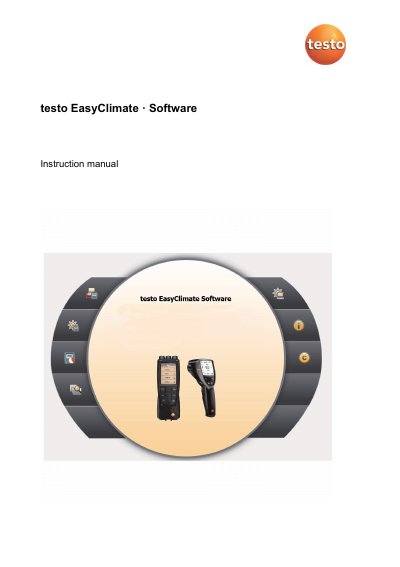
This manual explains how to install, configure, and use the testo EasyClimate software for testo 480 and 835 instruments. It covers system requirements, software installation, connecting instruments, and managing measurement data. The software allows users to configure instruments, manage customer and measurement data, export data, and generate reports. It also includes instructions for using the software’s menus, settings, and report templates.
The manual assumes knowledge of Windows operating systems and includes safety instructions. It provides step-by-step guidance for installing the software and driver, starting the software, and navigating its menus. It also explains how to create, edit, and print reports using the software’s report designer and templates.
The software will run on Windows 7, Windows 8, and Windows 10.
The computer must have a USB 1.1 or higher interface.
Click on [Start] | Programs (Windows XP) or All Programs (Windows Vista, Windows 7) | Testo | testo EasyClimate Software.