
The TAMRON TAP-in Console allows you to adjust, customize and update the firmware of TAMRON lenses.
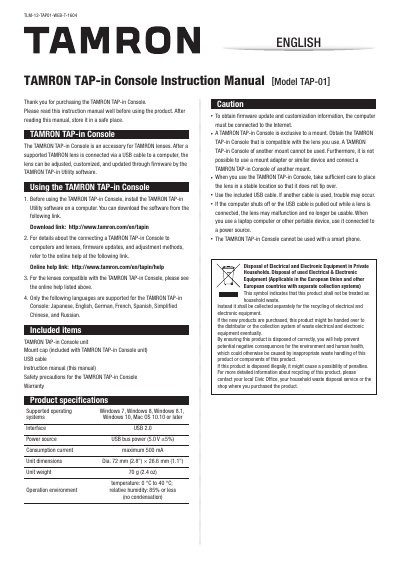
The Tamron TAP-01 Console is an accessory designed for Tamron lenses. When connected to a computer via a USB cable, it allows users to adjust, customize, and update the firmware of supported Tamron lenses using the Tamron TAP-in Utility software.
Before using the console, users must install the Tamron TAP-in Utility software. The device supports specific operating systems including Windows 7 through 10 and Mac OS 10.10 or later, and requires a USB 2.0 interface. It is powered by the USB bus and draws a maximum of 500 mA.
| Interface | USB 2.0 |
|---|---|
| Power source | USB bus power (5.0 V +5%) |
| Consumption current | maximum 500 mA |
| Unit dimensions | Dia. 72 mm (2.8") x 26.6 mm (1.1") |
| Operating temperature | 0 °C to 40 °C |
| Relative humidity | 85% or less (no condensation) |
The console supports Windows 7, Windows 8, Windows 8.1, Windows 10, and Mac OS 10.10 or later.
No, the Tamron TAP-01 Console cannot be used with a smartphone.
The maximum consumption current is 500 mA.