
TAMRON 17-28mm F/2.8 Di III RXD Lens Owner's Manual
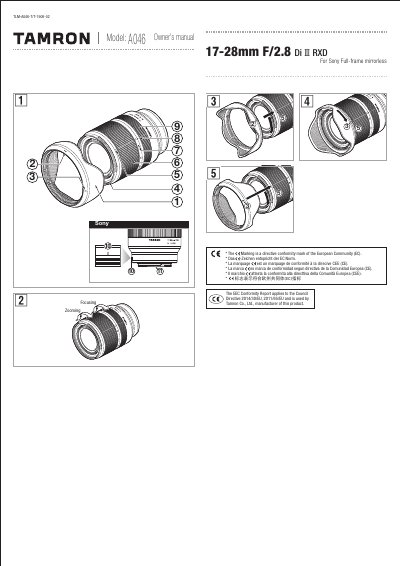
This manual guides users through attaching and removing the lens, switching focus modes, zooming, and using the lens hood. It also includes precautions for safe use, cleaning instructions, and storage tips to ensure long-term satisfaction. The lens is designed for Sony full-frame mirrorless cameras and features an internal focusing system to reduce minimum focus distance.
| Model | A046 |
|---|---|
| Focal Length | 17-28 mm |
| Maximum Aperture | F/2.8 |
| Angle of View | 103°41'-75°29' |
| Minimum Focus Distance | 0.19m (7.5" wide) / 0.26m (10.24" tele) |
| Maximum Magnification Ratio | 1:5.2 (wide MOD) / 1:3 (tele MOD) |
| Filter Size | 57 mm |
| Length | 99mm |
| Diameter | 97.3mm |
| Weight | 420 g (4.89 lb) |
Align the lens attachment mark and mounting mark on the camera, then insert the lens and turn it clockwise until it locks. To remove, turn it counterclockwise while pressing the lens release button on the camera.
The maximum aperture is F/2.8.
Use a blower or soft brush to remove dust. Clean the front element with a dry cloth only. For the rear element, use a commercially available lens cleaning cloth soaked in lens cleaner.