
This manual provides a basic overview of how to use the Fitbit Versa 3 smartwatch.
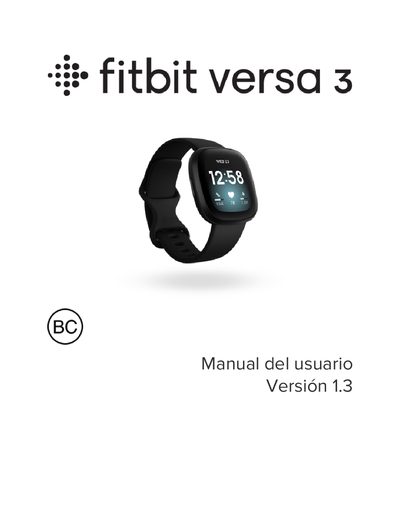
This manual provides step-by-step instructions for setting up and using the Fitbit Versa 3 smartwatch. It covers how to charge the device, connect it to Wi-Fi, use the Fitbit app, track activity and sleep, control music, make contactless payments, and manage notifications. It also includes troubleshooting tips and technical specifications.
The guide is designed for users who want to maximize the functionality of their Versa 3, including features like GPS, heart rate monitoring, and over 20 exercise modes. It includes safety warnings and regional regulatory information for various countries. This manual is written in Spanish.
| Battery Life | Up to 6 days |
|---|---|
| Screen | Touchscreen |
| Memory | Not specified |
| Water Resistance | IP68 rating |
Connect the USB cable to a computer, USB wall charger, or low-power device. Align the magnetic end with the back port and press until it clicks. The watch will show battery level during charging.
Use the Fitbit app on iPhone or Android to configure the watch. Download the app, sign in with Google, and follow on-screen instructions.
Up to 6 days on a full charge, though actual usage may vary.
Yes, it connects to Wi-Fi networks (WEP, WPA, WPA2 personal) for faster app and OS updates. It does not support 5 GHz or enterprise networks.