
This is a user manual that introduces the features and usage methods of Snap™ + Core First®
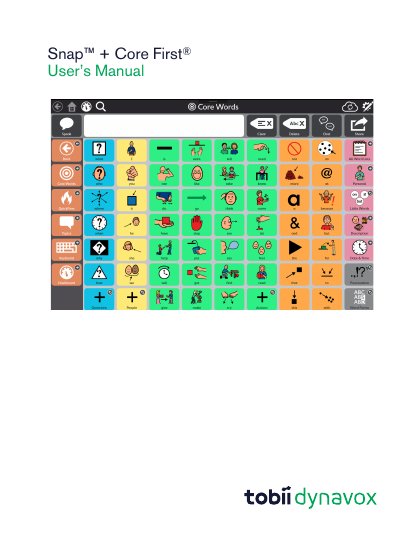
This is the user manual for Tobii Dynavox's Snap™ + Core First® Version 1.5, a symbol-based communication software designed for individuals with autism, cerebral palsy, Down syndrome, and intellectual disabilities. It provides step-by-step guidance on system setup, page creation, button editing, user management, and sharing features. The software supports both free and paid versions, with speech functionality available via in-app purchase. It runs on Windows 10 and iOS devices, with specific system requirements listed for each platform.
| Operating System (Windows Minimum) | Windows 10 x86 version 1607 |
|---|---|
| Operating System (iOS Minimum) | iOS 10 |
| Recommended Memory (Windows) | 4GB |
| Recommended Memory (iOS) | 4GB |
Purchase speech features via in-app purchase. Launch Snap + Core First, select the Speech Disabled button, and confirm the purchase.
Core First is a Page Set centered on Tobii Dynavox’s systematic delivery of Core Word vocabulary, Topics, QuickFires, Behavior Supports, Word Lists, and Keyboards.