
This manual provides instructions for installing, configuring, and using the Tobii PCEye eye tracking device, including calibration and maintenance.
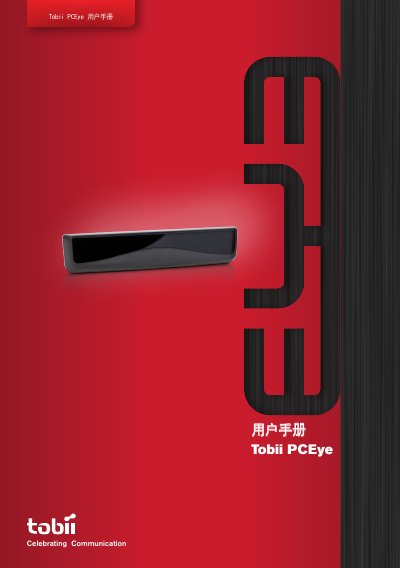
The Tobii PCEye is an eye control module designed to be mounted below a retail personal computer screen. It allows users to operate a computer precisely through eye control, regardless of whether they wear glasses, contact lenses, or if lighting conditions vary. The device enables users to control the mouse pointer and click by gazing at the screen for a specific time or by blinking. This manual is written in Chinese.
| Operating Distance | 19.7 - 31.5 inches (50 - 80 cm) |
|---|---|
| Head Movement Tolerance | 65 cm / 25.6 inches |
| Gaze Point Data Rate | 30 Hz |
| Accuracy | 0.8 degrees |
| Compatible Screen Size | 15 - 22 inches |
| Mounting Standard | VESA 100 x 100 mm or 75 x 75 mm |
| Power Input | 110V AC or 220V AC |
| Weight | 12.3 oz (350 g) |
| Dimensions | 9.8 x 2.1 x 2.0 inches (250 x 53 x 50 mm) |
The device is compatible with Windows XP (SP3), Windows Vista (SP2), or Windows 7.
The recommended working distance is between 19.7 and 31.5 inches (50 to 80 cm).
Yes, it supports VESA 100 x 100 mm or VESA 75 x 75 mm mounting standards.