
Chinese user manual for the Tobii PCEyeGo eye‑tracking device covering installation, configuration, safety and specifications.
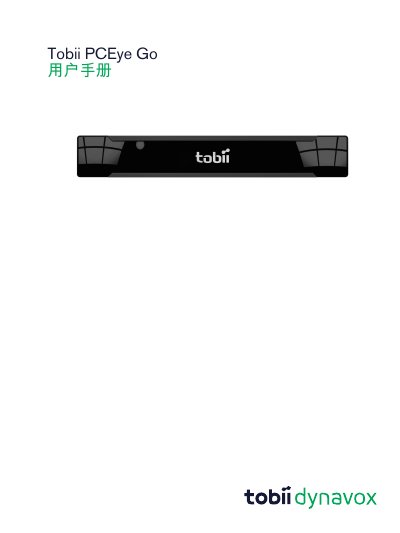
The Tobii PCEyeGo is a clip‑on eye‑tracking device that lets users control a computer with gaze, blinks or an external switch. This manual provides safety warnings, installation steps, configuration guidance, and detailed usage instructions for Windows PCs.
It also includes appendices with support information, compliance data, third‑party accessories, and a full technical specification sheet for the device. This manual is written in Chinese.
| Working distance | 40‑90 cm |
|---|---|
| Gaze data rate | 30 Hz |
| Power source | Single USB 2.0 |
| Supported operating systems | Windows Vista SP2, 7, 8, 8.1, 10 |
| Device weight | 200 g (7.1 oz) |
| Device dimensions | 184 × 28 × 23 mm |
The device works best at a distance of 40 to 90 cm from the screen.
It supports Windows Vista SP2, Windows 7, Windows 8, Windows 8.1, and Windows 10.
The device is powered via a single USB 2.0 connection.
The unit weighs 200 g (approximately 7.1 oz).