
This document is the user manual for Tobii I-Series, providing information about the product's features, safety, and usage.
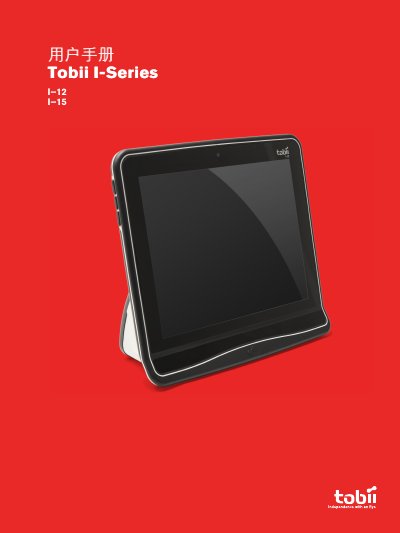
This manual provides instructions for the Tobii I-Series, an Augmentative and Alternative Communication (AAC) device available in I-12 and I-15 models. It details the device's features, including Gaze Interaction, touch screen usage, and connectivity options like Bluetooth and Wi-Fi. The guide covers configuration via the Tobii I-Series Control Center, including setting up Windows Control for gaze selection and mouse emulation. This manual is written in Chinese.
| Screen Size (I-12) | 12.1 inch |
|---|---|
| Screen Size (I-15) | 15.0 inch |
| Device Type | Gaze Interaction device / AAC device |
| Medical Classification | Class 1 medical device |
The Tobii I-Series comes in two sizes: the Tobii I–12 with a 12.1-inch screen and the Tobii I–15 with a 15.0-inch screen.
Yes, the device can be used upright for Gaze Interaction or laid flat to obtain the best touch screen usage effect.
Yes, it supports Bluetooth® to connect to mobile phones and other devices.