
Magellan Triton 300, 400, 500 User Manual

This document is the Magellan Triton user manual, which introduces the use methods of Magellan Triton 300, Magellan Triton 400, Magellan Triton 500 and other products.
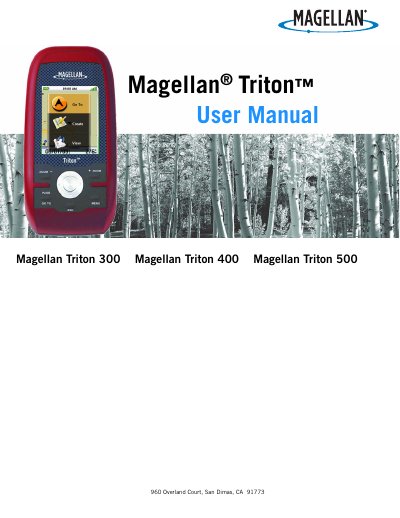

Magellan Triton 300, 400, 500 User Manual - cover page
Brand
Magellan
Category
GPS
Document type
User Manual
Language
English
Pages
65
File format
PDF
File size
1.5 MB
Published
17 October, 2023
Updated
17 October, 2023
MD5 checksum
06A8D05B288F5B20A66E8BD1871DD1BE

About this manual

This manual provides step-by-step instructions for using the Magellan Triton 300, 400, and 500 GPS devices. It covers basic operations like turning the device on and off, setting time zones and languages, and customizing display settings. It also explains how to use navigation screens, create and manage waypoints, set up routes, and use features like the compass and altimeter. Safety warnings are included, emphasizing not to use the device while driving and to use only Magellan-approved accessories.

What's inside

  • Overview
  • Features of the Magellan Triton
  • Specifications
  • Fundamentals
  • Turning the Triton on
  • Turning the Triton off
  • Setting the display backlight intensity
  • Setting the Time Zone
  • Changing Languages
  • Sleep Mode (Backlight Timer)

Frequently asked questions

What is the Magellan Triton designed to assist with?

It is a navigation aid designed to assist you in arriving at your selected destination.

What safety rule must be followed when using the Magellan Triton while driving?

Do not use this navigation device while driving a vehicle.

What is the maximum normal use temperature for the Magellan Triton?

The maximum normal use temperature is 66°C.

What is the minimum distance the Magellan Triton must be installed from the user?

The Magellan Triton must be installed and operated at a distance no closer than 8 inches (20 cm) from the user.

Download PDF (1.5 MB)

More Magellan Manuals


View all Magellan manuals →