
DCX3200 Installation Manual, includes installation instructions, operating instructions, safety information, etc
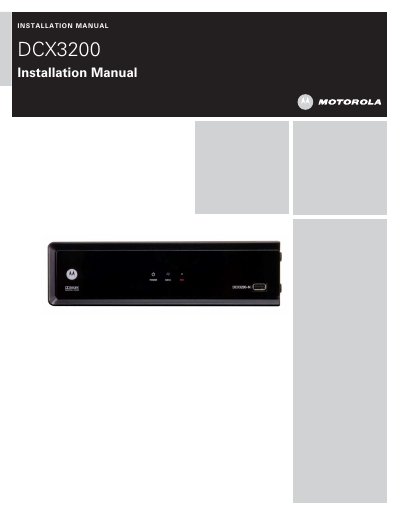
This manual provides installation instructions for the Motorola DCX3200 cable set-top box. It details safety precautions, physical connections for various display types (HDTV, SDTV, A/V receivers), and data device connections. The guide also covers initial setup, including audio, video, and closed caption configuration, as well as operational checks for the remote control.
The document includes troubleshooting steps and diagnostic procedures to help users resolve issues. It features diagrams for front and rear panel connections and provides specific instructions for connecting to different types of televisions and recording devices.
| Class | Class B digital device |
|---|---|
| Operating Temperature | 40° C (104° F) |
Transport the cable terminal in its shipping box or an equally padded container and do not expose it to rain or moisture.
The air surrounding the terminal must not exceed 40° C (104° F).