
This is the user manual for the USR-K6 product.
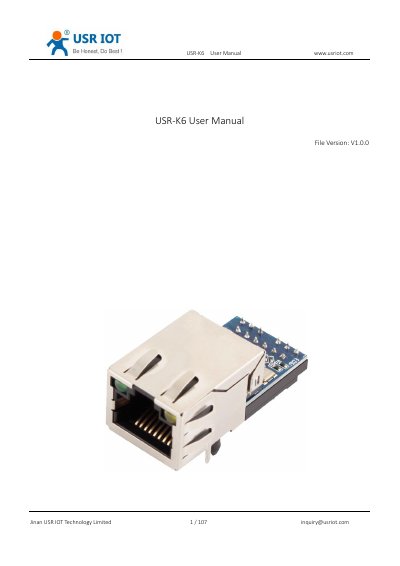
The USR-K6 is a small module designed for serial port to Ethernet conversion, enabling bi-directional data transparent transmission between the RJ45 port and TTL serial port. It supports interface conversion for RS-232 and RS-485 via level conversion circuits. The module is compatible with USR's M0 setting software and testing tools. This manual is written in Chinese.
| Power Supply | DC5V 1A |
|---|---|
| Default IP Address | 192.168.0.7 |
| Default Subnet Mask | 255.255.255.0 |
| Default Gateway | 192.168.0.1 |
| Default Serial Port Baud Rate | 115200 |
| Default Serial Parameters | None/8/1 |
| Default Work Mode | TCP client |
| Default Local Port | 0 |
| Default Target Port | 8234 |
| Maximum TCP Server Clients | 1 to 16 |
The default IP address is 192.168.0.7.
The default serial port baud rate is 115200.
The default work mode is TCP client.
The default local port is 0.