
3M Attest 290 Auto-reader Operator’s Manual, which provides detailed instructions on how to use the product and precautions
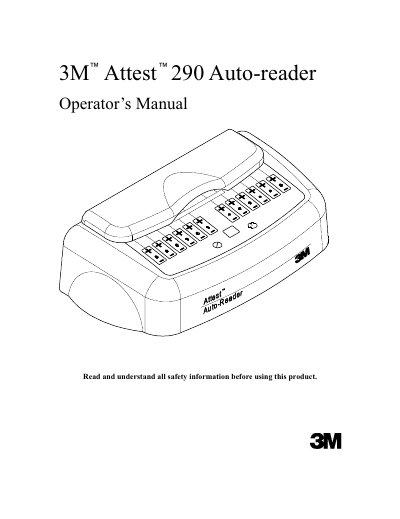
This manual provides instructions for operating the 3M Attest 290 Auto-reader, including safety precautions, setup, and readout procedures for biological indicators. It details incubation times and color-coded well placement for different indicator types. Safety warnings cover electrical hazards, handling of glass ampules, and proper disposal. The device is designed to read specific 3M biological indicators and must be used with the supplied power supply.
| Operating Voltage | 100-240 Volts AC |
|---|---|
| Operating Temperature | 16-43 °C |
| Relative Humidity | 20-80% (non-condensing) |
It is designed to read 3M™ Attest™ 1291 and 1292 Rapid Readout Biological Indicators.
A negative result is shown after 1 hour of incubation.
An alarm will sound and all three lights will illuminate; you must return the RRBI to the well within 10 seconds or results will be lost.