
This file describes the copyright protection statement of Edimax technology company products.
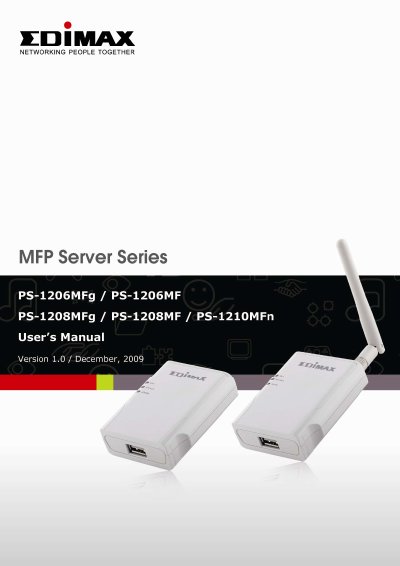
This manual explains how to install and use the Edimax MFP Server to share multi-function printer (MFP) capabilities over a network. It covers setup for Windows, Mac, Unix, and Linux systems, including hardware connections, software installation, and configuration options. The server supports both MFP Server Mode and Print Server Mode for flexible network sharing.
The guide includes troubleshooting tips and detailed instructions for configuring TCP/IP, wireless settings, and managing the server through web interfaces or utilities. It also notes compatibility with various operating systems and printer models, with specific guidance for Windows 2000/XP/Vista/7, Mac OS, and Unix/Linux environments.
The MFP Server Mode supports Windows 2000 SP4 above, Windows XP SP1 above, Vista, and Windows 7.
The MFP Server supports LPR, IPP, and RAW printing protocols in Print Server Mode.
A minimum spacing of 20 cm must be provided between the computer mounted antenna and a person's body during wireless operation.