
This manual introduces the features, usage and setup steps of D-Link Wireless Broadband Router BR-6304Wg.
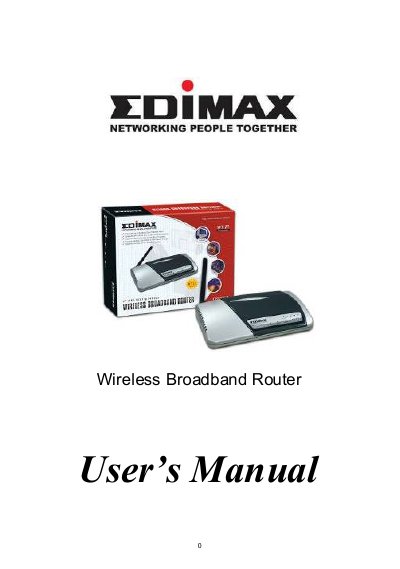
This manual provides step-by-step instructions for setting up and configuring the D-Link BR-6304Wg wireless broadband router. It covers network setup, wireless configuration, security settings, firewall options, and advanced features like port forwarding and VPN. The guide also explains how to monitor router status and perform firmware upgrades.
The router supports multiple internet connection types including cable, xDSL, PPPoE, PPTP, L2TP, and Telstra Big Pond. It includes four LAN ports and one WAN port, with built-in IEEE 802.11g/b wireless access point. The user interface is web-based and supports remote management.
| Internet Access Throughput | 50M |
|---|---|
| Maximum Users | 253 |
| WAN Port | 10/100M |
| Wireless Standard | IEEE 802.11g/b |
| DHCP Support | Server/Client |
It supports Cable, xDSL, PPPoE, PPTP, L2TP, and Telstra Big Pond.
It has four LAN ports (10/100M).
Yes, remote management allows configuration and upgrades from a remote site over the Internet.