
This manual provides basic information about using the HP OfficeJet Pro 8020 series printer. It includes safety information, printer components, paper information, printing, copying, scanning, and faxing functions.
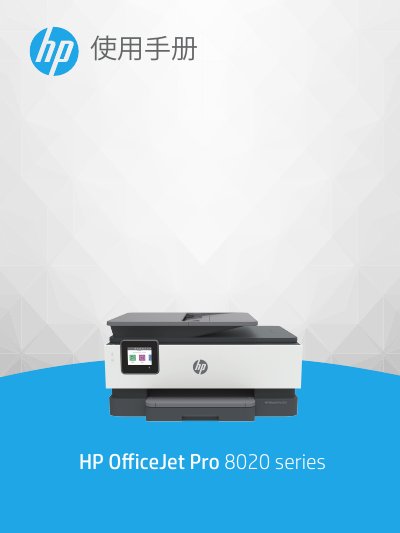
This user guide provides comprehensive instructions for the HP OfficeJet Pro 8020 series printer. It covers essential topics including getting started, using the control panel, loading paper, and performing basic print, copy, and scan operations. The manual also details how to use the HP Smart app, manage network settings, and replace ink cartridges. This manual is written in Chinese.
| Copyright Year | 2020 |
|---|
It is used for printing, copying, scanning, and faxing.
The printer enters sleep mode after five minutes of inactivity.
The maximum number is stated in the '技术规格' section, but not specified in the text.
Clear the paper from the tray or tray assembly, and do not use tools.