
This document is AT-x230-10GP, AT-x230-18GP, AT-x230-18GT, AT-x230-28GP, AT-x230-28GT switch installation guide
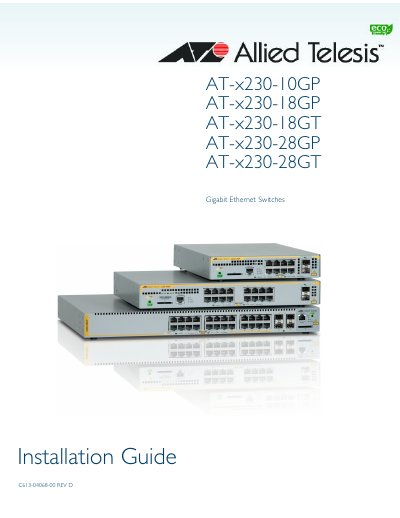
This document provides installation instructions for the Allied Telesis AT-x230 Series Gigabit Ethernet switches, covering models AT-x230-10GP, AT-x230-18GP, AT-x230-18GT, AT-x230-28GP, and AT-x230-28GT. It details safety precautions, site selection, unpacking procedures, and mounting options for desktops, equipment racks, and walls.
| Dimensions (AT-x230-10GP) | 210 mm x 275mm x 42.5 mm |
|---|---|
| Weight (AT-x230-10GP) | 2.1 kg |
| Dimensions (AT-x230-18GP) | 341 mm x 231mm x 44mm |
| Weight (AT-x230-18GP) | 3.0 kg |
| Dimensions (AT-x230-28GP) | 440 mm x 290 mm x 44 mm |
| Weight (AT-x230-28GP) | 4.7 kg |
Standard TIA/EIA 568-A-compliant Category 5 or Enhanced Category 5 (Cat 5e) shielded or unshielded cabling.
Yes, the twisted pair ports feature auto-MDI, allowing the use of a straight-through twisted pair cable when connecting any type of network device.