
This is the instruction manual for Nintendo 3DS game Animal Crossing: New Leaf - Welcome amiibo
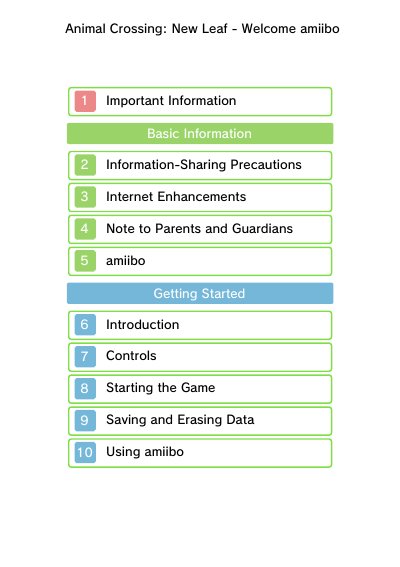
This manual explains how to use amiibo with Animal Crossing: New Leaf on Nintendo 3DS. It covers starting the game, saving data, exploring town and island features, and connecting with others via SpotPass and Internet. It also includes safety and troubleshooting tips for Nintendo 3DS systems.
The guide provides instructions for using amiibo to unlock special content, interacting with friends’ towns, and accessing online features like sharing screenshots and receiving items from Nintendo.
The term refers to all devices in the Nintendo 3DS family, including the New Nintendo 3DS, New Nintendo 3DS XL, Nintendo 3DS, Nintendo 3DS XL, and Nintendo 2DS.
Connecting to the Internet allows you to visit friends' towns, share your town and home, invite special characters, receive items and letters from Nintendo, and post screenshots to social networks.
Users can visit the Nintendo Customer Service website at SUPPORT.NINTENDO.COM or call 1-800-255-3700 for USA and Canada.