
SANYO DMP-M600 DMP-M700 Digital Memory Player User Manual

This is a digital memory player that supports MP3, WMA, WAV, FLAC, AAC and other audio formats, supports 2GB, 4GB, and 8GB storage capacities, and can be connected to headphones and headphones
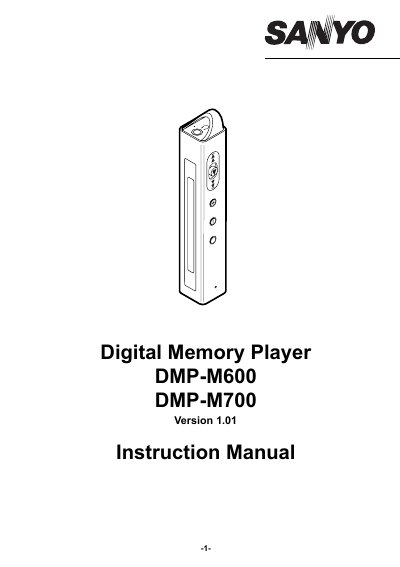

SANYO DMP-M600 DMP-M700 Digital Memory Player User Manual - cover page
Brand
Sanyo
Document type
User Manual
Language
English
Pages
23
File format
PDF
File size
837 KB
Published
17 October, 2023
Updated
17 October, 2023
MD5 checksum
BA7D8422CC0585F6C4D627CF204734FF

About this manual

This manual provides instructions for using the SANYO DMP-M600 and DMP-M700 digital memory players. It covers connecting the device to a PC, installing the MusicFileMaster software, transferring data via Windows Explorer or Media Player, and managing playback and recording. Safety precautions and battery handling are also detailed.

The manual includes setup guides for Windows operating systems, instructions for formatting the player’s data, and troubleshooting tips. It also explains how to clean the device and handle the internal lithium-ion battery properly, including disposal guidelines.

What's inside

  • Accessories
  • Precautions
  • Controls
  • Recommended PC environment
  • How to connect the player to your PC
  • How to install the MusicFileMaster software
  • How to open the instruction manual
  • Disconnecting the player from your PC
  • How to check whether the player has recognised correctly or not
  • Removable Disk display

Frequently asked questions

What is the maximum temperature the player can withstand?

The player should not be used where the temperature exceeds 35°C.

How long does it take to fully charge the battery?

The battery is fully charged approximately 2 hours.

Download PDF (837 KB)

More Sanyo Manuals


View all Sanyo manuals →