
This manual provides an introduction to the basic features and functions of the DataMan 8600 Verifier. It includes detailed instructions for setup and configuration, as well as troubleshooting information for use of the product.
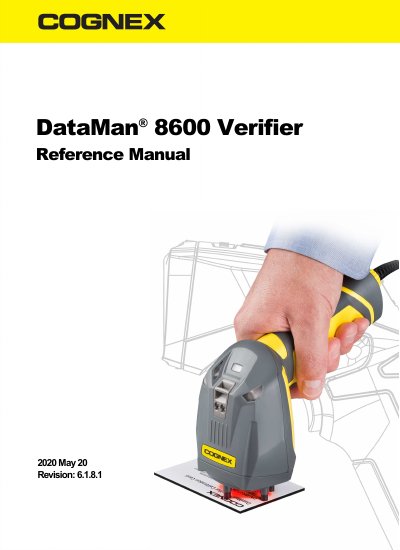
This manual provides instructions for using the Cognex DataMan 8600 Verifier handheld device to verify Data Matrix symbols. It includes setup procedures, calibration steps using a provided card, and firmware upgrade instructions. Safety precautions and laser warnings are also included.
The device requires firmware version 5.4.4 or newer for verification and must be calibrated using the included calibration card. The manual also covers stand-off installation and code quality verification to ensure compliance with AIM-DPM/ISO/EC TR 29158 standards.
Firmware version 5.4.4 or newer is required for verification.
Place the verifier against the calibration card with the symbol centered below the reader, squeeze the trigger, and continue squeezing until calibration is complete (indicated by a beep).
The device is a Class 2 laser product, and users must not stare into the beam.