
This document introduces the Force Sensor PS-2104's features and usage
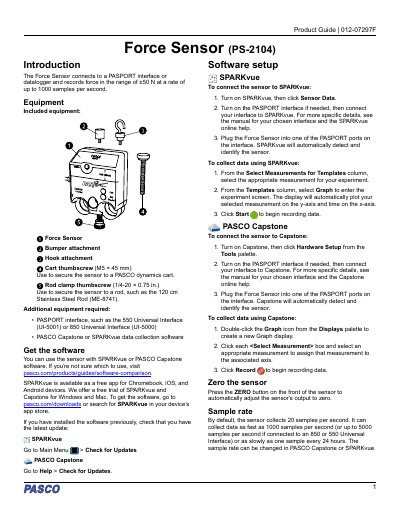
This manual explains how to connect and use the PASCO Force Sensor PS-2104 with PASPORT interfaces and software like SPARKvue or Capstone. It details hardware setup, including mounting options and sensor zeroing. The sensor records force from ±50 N at up to 1000 samples per second, with adjustable sample rates.
The guide also covers software configuration, data collection steps, and safety notes for collision experiments, including recommended bumpers to avoid damaging internal components.
| Force Range | ±50 N |
|---|---|
| Maximum Sample Rate | 1000 samples per second |
Turn on SPARKvue, click Sensor Data, connect the interface, then plug the sensor into a PASPORT port. SPARKvue will auto-detect it.
The sensor records force in the range of ±50 N.
The sensor can be used with SPARKvue or PASCO Capstone software.
Use the included cart thumbscrew (M5 × 45 mm) to secure the sensor to the cart.