
This manual introduces how to use the data acquisition instrument, including equipment, settings, basic functions, display, measurement options and sampling.
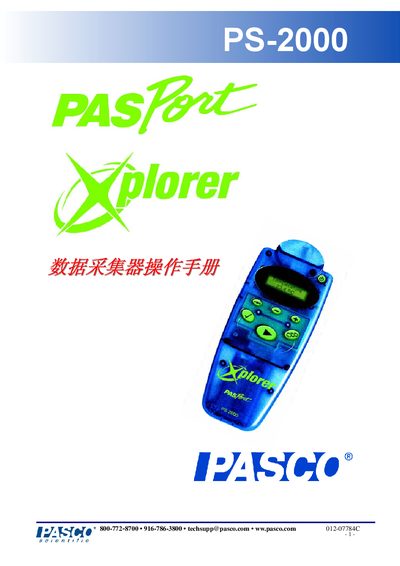
The PS-2000 data collector is a portable device for recording temperature, time, battery life, and other sensor data. It features an LCD display, AA battery power, and USB connectivity for transferring data to a computer running DataStudio.
The manual explains how to install the device, configure display modes, set sample rates, calibrate sensors, manage data memory, and reset the unit. It also includes warranty information and technical support contacts. This manual is written in Japanese.
| Sample Rate | 10 samples/s |
|---|---|
| USB Interface | USB connection |
Connect the PS-2000 to the computer using the USB interface.
The sample rate can be set to 10 samples per second via the device menu or DataStudio software.