
The PASCO OS-8020 High Sensitivity Photometer instruction sheet provides setup, operation, specifications, and warranty information.
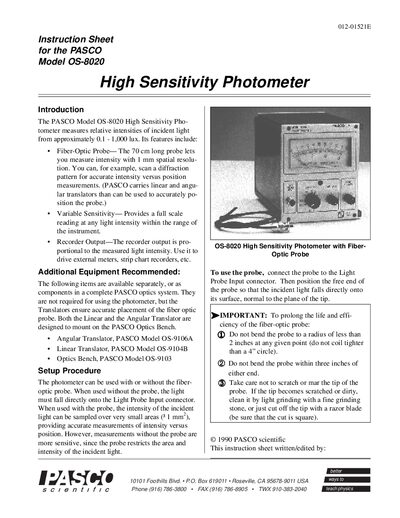
The PASCO OS-8020 High Sensitivity Photometer measures relative light intensities from about 0.1 to 1,000 lux. It can be used with a 70 cm fiber‑optic probe for 1 mm spatial resolution or directly on the Light Probe Input for greater sensitivity. The instrument includes a selenium cell, sensitivity range switch, and recorder output.
The sheet explains how to zero the meter mechanically or electronically, set the sensitivity range, and record measurements as percentages of a reference intensity. It also details the output voltage (140 mV – 10 V at up to 1 mA) and provides a limited one‑year warranty.
| Sensitivity | approximately 0.1 to 1,000 Lux full scale |
|---|---|
| Meter scale | 8 cm length with 0‑10 graduations |
| Output voltage | 140 mV at 1 mA |
| Spectral response | Typical selenium cell response |
| Controls | Sensitivity Range, Sensitivity Adjust, Zero Adjust |
Before plugging in the photometer, use a small screwdriver to adjust the Mechanical Zero screw with the power off.
The output for a full‑scale meter reading is between 140 mV and 10 V at up to 1 mA, depending on the range selection.
Do not bend the probe to a radius of less than 2 inches and avoid bending within three inches of either end; keep the tip clean.