
This manual introduces the characteristics and features of the DataMan® 503 series, covering software installation, use, maintenance and troubleshooting.
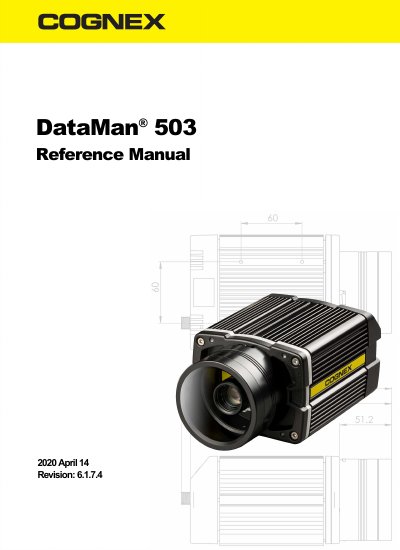
The DataMan 503 is a high-performance, fixed-mount ID reader featuring an ultra-sensitive custom image sensor, high-performance processing, and automatic regulation of exposure time and gain. It is packaged in a rugged, IP65-rated housing and supports advanced Ethernet connectivity, serial and discrete I/O, and configurable network-based multiple-reader decoding.
This document provides basic information on configuring and using DataMan 503 readers. It details accessories such as C-mount lenses, field of view expanders, and various illumination options. The guide also covers system configurations, setting up the reader, installing software, industrial protocols, triggering methods, and cleaning and maintenance procedures.
| Housing Rating | IP65-rated |
|---|---|
| Product Type | fixed-mount ID reader |
The available lens options are 16 mm, 25 mm, and 35 mm lenses (LEC-CFFxx-F8).
The available expanders are Xpand 15 (DMA-FOVE-15) and Xpand 25 (DMA-FOVE-25).
Supported lights include the SVL Light Bar, blue bar light, and red bar light.