
This manual introduces the features and characteristics of the FUSION ® Apollo™ RA770 product, including installation, use, and connection
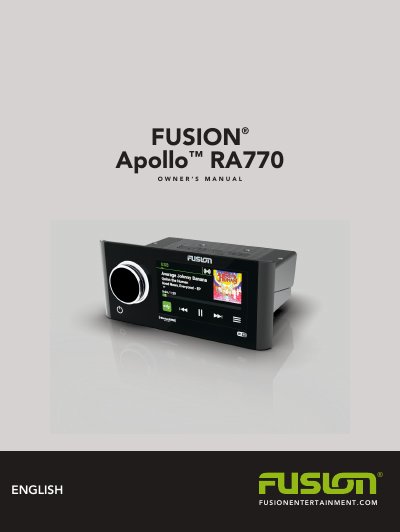
This manual explains how to operate the Garmin Apollo™ RA770 stereo, including connecting devices, adjusting audio settings, and using features like SiriusXM and DAB. It covers controls for volume, source selection, playback, and network settings. The guide also includes troubleshooting tips for common issues with Apple devices, Bluetooth, and network connectivity.
The Apollo RA770 supports multiple audio sources including Bluetooth, USB, and streaming services. It allows zone control, parental settings, and integration with Garmin’s FUSION PartyBus networking system. The manual provides step-by-step instructions for configuring the stereo and managing connected devices.
Connect an Apple device using AirPlay by selecting the source and following the on-screen instructions.
Enable the SiriusXM source by selecting it from the source menu and following the on-screen prompts.
Refer to the Troubleshooting section in the manual for solutions to key press issues.