
This document is a quick installation guide for Wi-Fi/LAN Kit, which introduces the usage of Wi-Fi/LAN Kit.
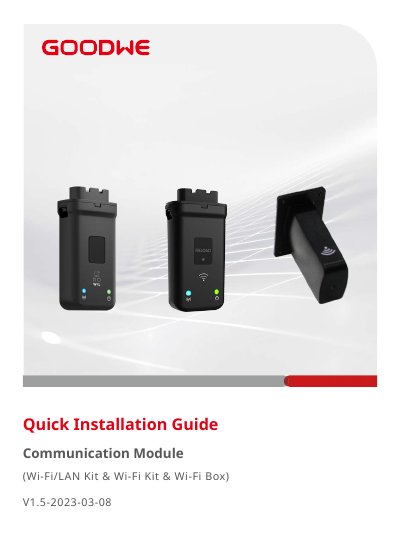
This document provides a quick installation guide for GoodWe communication modules, specifically the Wi-Fi/LAN Kit, Wi-Fi Kit, and Wi-Fi Box. It details the packing list, physical installation steps for connecting to inverter communication ports, and power-on procedures. The guide includes instructions for verifying indicator status and setting up the device via the SEMS Portal App.
| Max. Inverters Supported | 1 |
|---|---|
| Connection Interface | USB 5 Pin |
| Ethernet Interface | 10M/100M Ethernet |
| Dimensions (W×H×D) | 48*119*32 mm |
| Weight | 106 g |
| Ingress Protection Rating | IP65 |
| Power Consumption | 5 W |
| Operating Temperature Range | -30~60℃ |
| Storage Temperature Range | -40~70℃ |
| Max. Operating Altitude | 4000 m |
| Supported Standards & Frequencies | 802.11b/g/n(2.412G-2.472G) |
| Operating Mode | AP/STA/AP+STA |
The default password for connecting the app and the inverter is 12345678.
A Green ON indicator signifies that the Wi-Fi/LAN Kit is powered on.
A Blue ON indicator means the WiFi communication or LAN communication works properly.
The maximum operating altitude for the Wi-Fi/LAN Kit is 4000 meters.