
GoodWe SEC1000S Smart Energy Controller User Manual

This user manual covers the installation, wiring, configuration, and troubleshooting of the GoodWe SEC1000S Smart Energy Controller for inverter paralleling…
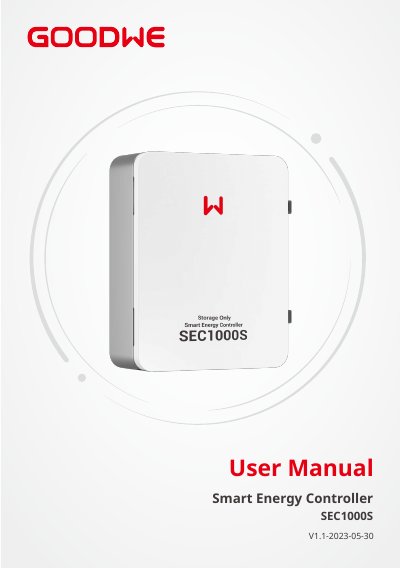

GoodWe SEC1000S Smart Energy Controller User Manual - cover page
Brand
Goodwe
Document type
User Manual
Language
English
Pages
13
File format
PDF
File size
1.9 MB
Published
27 October, 2026
Updated
27 October, 2026
MD5 checksum
13582409488F04168F5DB884374B845F

About this manual

The document provides a comprehensive guide for installing the GoodWe SEC1000S Smart Energy Controller. It details safety precautions, mounting instructions including location selection and clearance requirements, and specific wiring procedures for AC voltage inputs, current input ports (CTs), LAN network ports, and RS485 communication interfaces.

What's inside

  • Symbols
  • Safety and Warning
  • Mounting Instruction
  • Overview and Packaging
  • Inverter Installation
  • Port and wiring instructions
  • SEC1000S Grid Connection Diagram
  • Main functions of SEC1000S

Specifications

Input phase voltage rangeAC60V-AC280V
Input line voltage rangeAC100V-AC480V
AC Frequency50/60Hz
Maximum supported inverters10

Frequently asked questions

What is the default IP address for SEC1000S in static mode?

The default IP address is 192.168.1.200.

Does SEC1000S support three-phase four-wire grid structures?

Yes, it supports the three-phase four-wire grid structure only.

How many inverters can be connected to one SEC1000S?

The system supports up to 10 inverters.

Download PDF (1.9 MB)

More Goodwe Manuals


View all Goodwe manuals →